Apple Watch
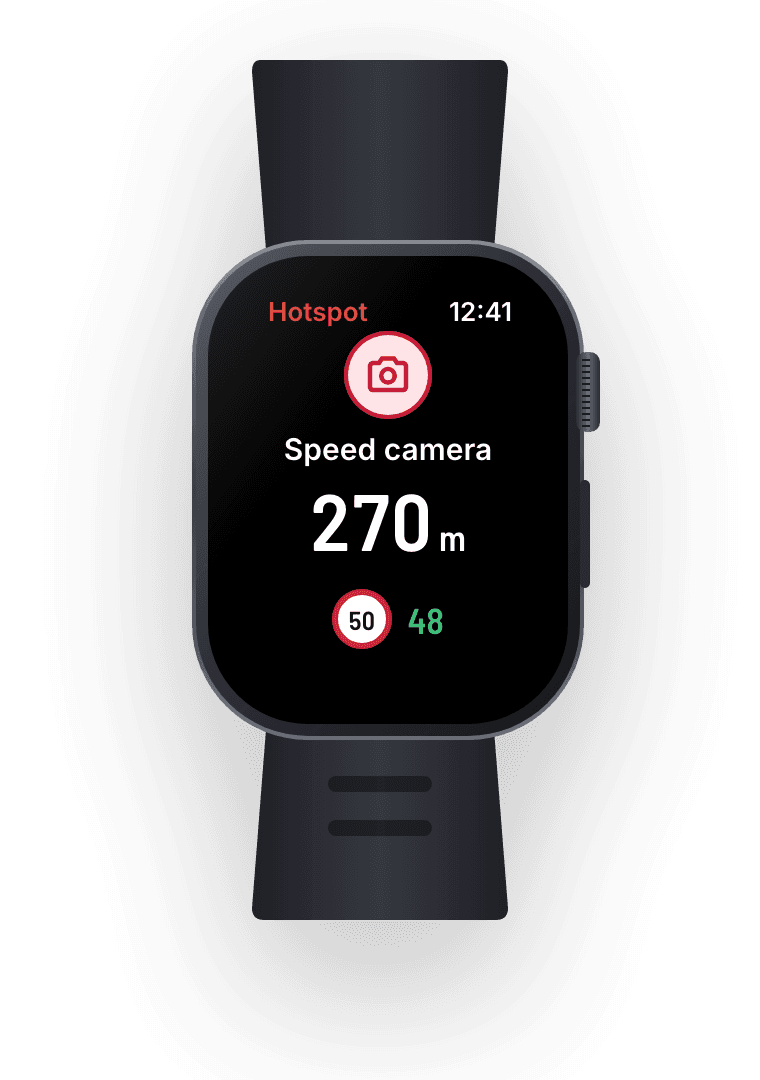
The next hotspot and the limit on your wrist, and a tap on your wrist when you're over. Your phone can stay in your bag.
Hotspot speaks up before speed cameras, police checks and crashes on your road, and shows the speed limit as you drive. Every alert is spotted by drivers and checked by a person.
Hotspot speaks up before every camera, checkpoint and crash on your road, with the limit for each. Your eyes stay on the road.
Get the app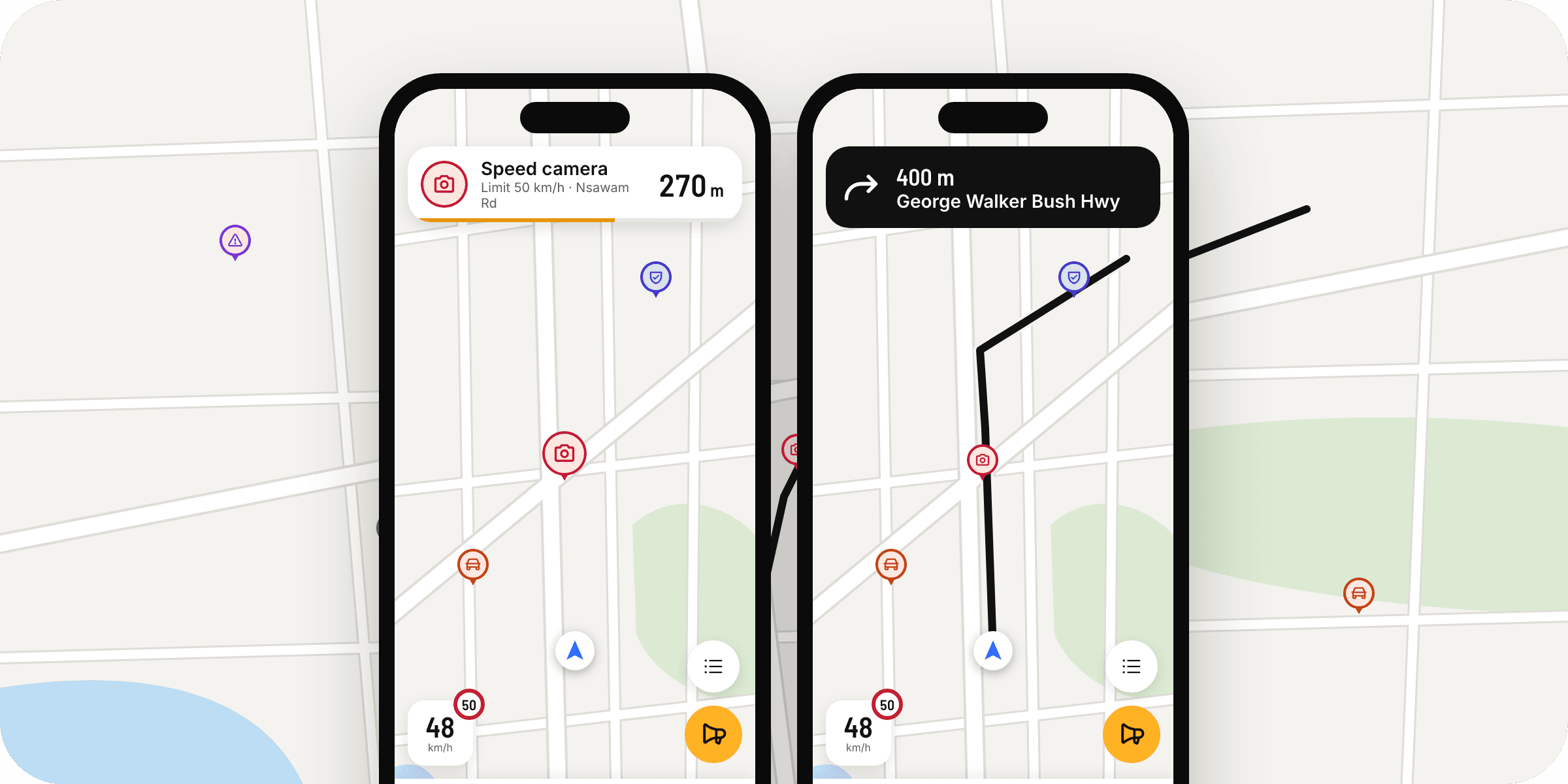
Report a camera, checkpoint, crash, jam or closure while you drive, or tell us one has gone.
How reporting worksStart a drive on your phone and the alerts follow you to the screen you're looking at.
The next hotspot and the limit on your wrist, and a tap on your wrist when you're over. Your phone can stay in your bag.
The map, the next hotspot and your speed on your car's screen. Plug in and drive.
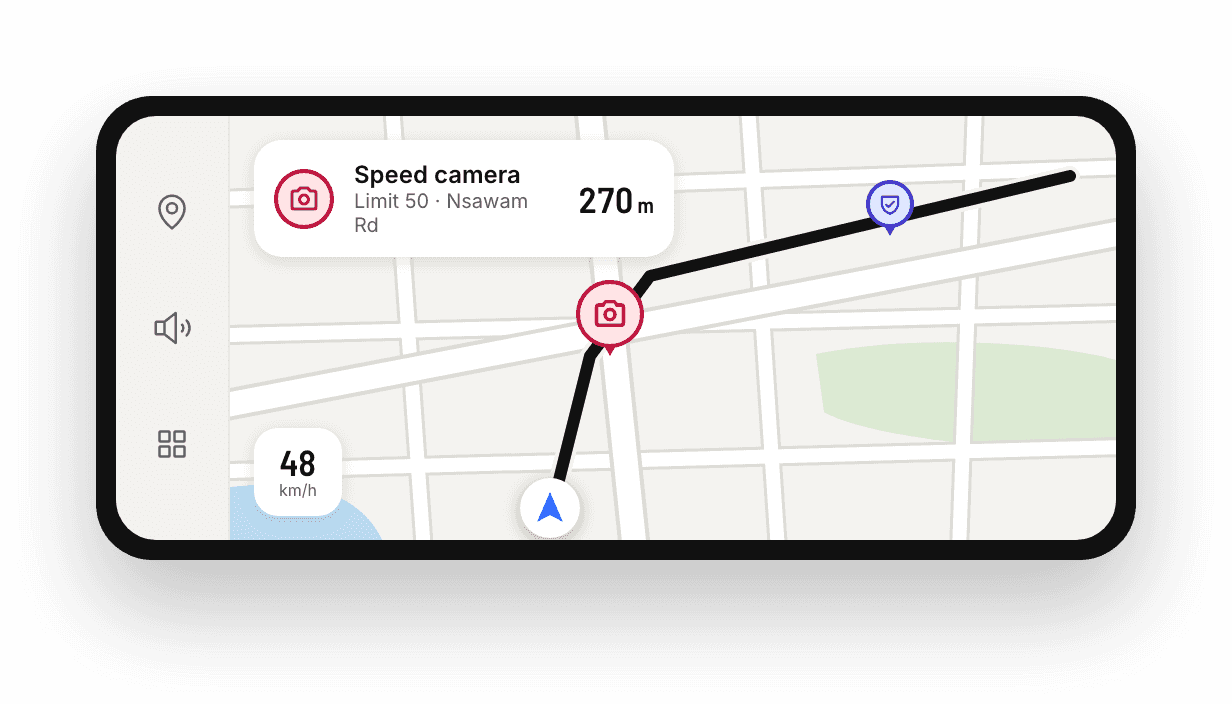
The same spoken alerts and map on your iPhone's car display.
For developers
Making a navigation or fleet app? Use the same hotspots and speed limits that power Hotspot, kept current by drivers and checked by our moderators.
Speed cameras, police checks, crashes and closures, each with its limit and alert zone.
Limits for Ghana’s roads from OpenStreetMap, plus the ones our team adds by hand.
Let your drivers report what they see. A person checks each one before it reaches the map.
GET /hotspots
X-Api-Key: your-key

200 OK · application/geo+json
{
  "type": "FeatureCollection",
  "metadata": {
    "updated_on": "2026-11-07",
    "attribution": "Road geometry and speed limits (c) OpenStreetMap contributors, ODbL."
  },
  "features": [{
    "type": "Feature",
    "id": "camera-nsawam-road-caprice",
    "geometry": { "type": "Point", "coordinates": [-0.21668, 5.58253] },
    "properties": {
      "type": "camera",
      "status": "confirmed",
      "name": "Nsawam Road, Caprice",
      "zone_radius_m": 100,
      "speed_limit_kmh": 50,
      "precision": "approx"
    }
  }, …]
}
GeoJSON, ready for any map. Send the last ETag back and you get a quick 304 when nothing has changed.

Community
Spot it, tap it. Every confirmed report keeps someone else from a surprise.
Start reporting
Community
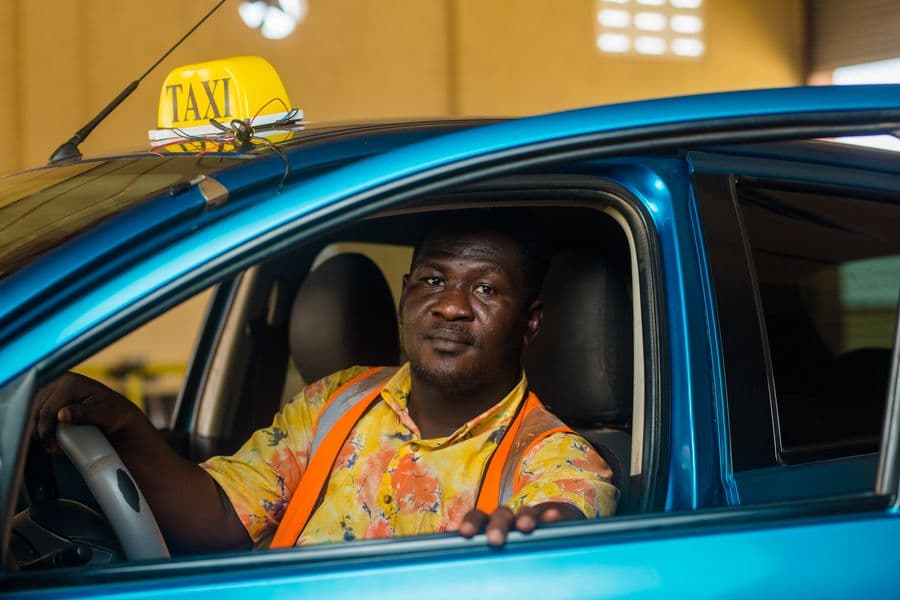
On the road all day? Your reports count most. Share what you see.
Join the drivers
About us
Drivers report what they see. A person checks every report before it reaches the map, so the alerts you hear are ones you can trust.
Drivers report what they see, and a person on our team checks every report before it goes on the map. Drivers who pass later can say if it’s still there or gone, so old ones drop off.
Yes. Hotspot keeps a copy of the hotspots on your phone, so alerts keep coming without signal. It picks up changes the next time you’re online.
Yes. Allow location “Always” and Hotspot keeps warning you while the screen is off or you’re in another app, like your music.
No. We don’t keep a history of where you drive. We only keep a location when you send a report.
Yes. Hotspot shows on your car’s screen with Android Auto, and alerts reach your Apple Watch. CarPlay is coming soon.
They’re a help, not a guarantee. Always drive within the limit and follow the road signs.
Yes. Our API gives you the same hotspots and speed limits the app uses. See the developers section above.
Join the drive